


Customize APK files
APK Editor Pro is a utility and tool application created by SteelWorks. This app allows you to edit and customize any APK files that have been downloaded online either through an app store or transferred from computers.
It offers several tools and guides to deal with changing the properties of the APK file. However, it can still possibly require you to have some professional technical skills to make the most out of the APK file you downloaded. You will be able to freely install it on any of your compatible Android devices.
Expanding APK features
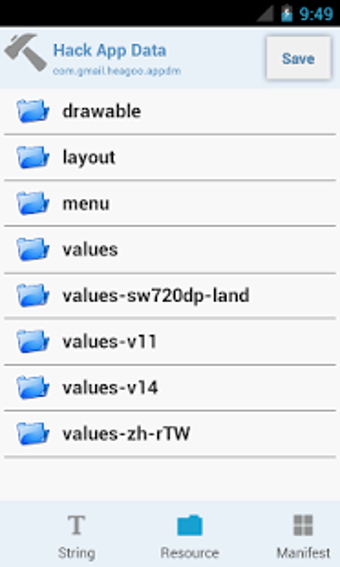
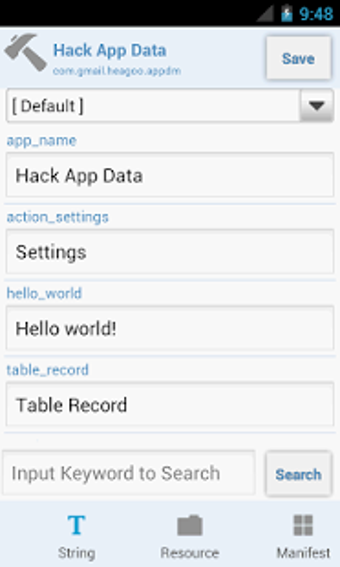
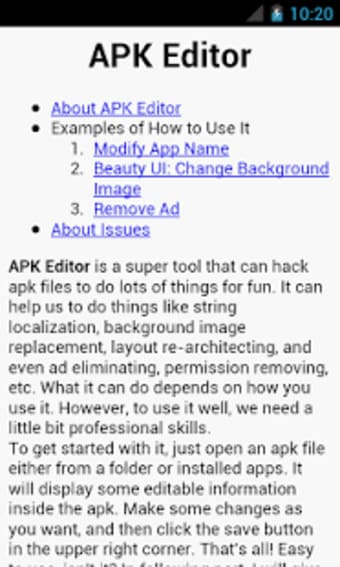
APK Editor Pro allows you to modify or alter any APK files from mobile devices. Some of the commands you can do are renaming applications, translating strings, changing APK icons, customizing the app's layout, disabling any ads or popups, and getting a fresh background image. Furthermore, it enables you to create applications that can be moved to your SD card.
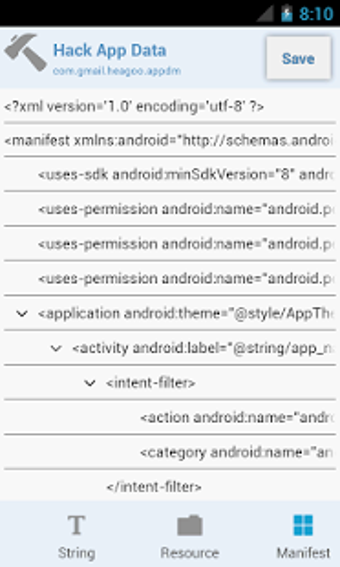
On top of that, it also gives you permission to remove the restrictions placed on some applications that offer limited features for their free versions. It can even prevent unwanted permissions as well. This powerful utility supports Manifest editing that was lacking from the prior version of APK Editor.
Simplified mobile editing
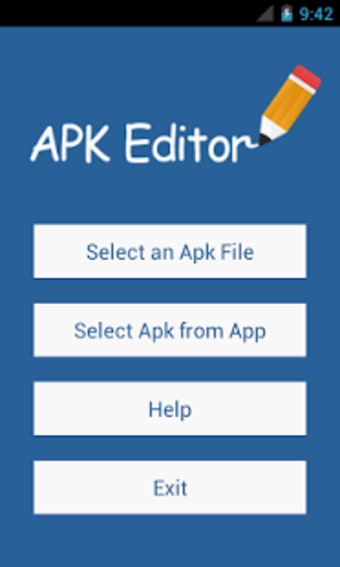
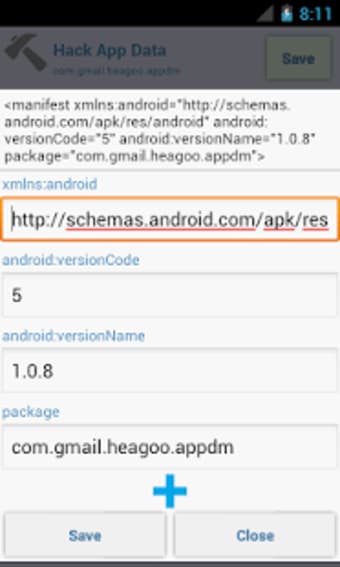
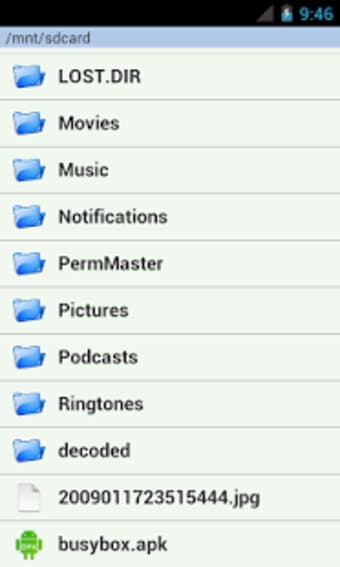
This handy solution comes with two types of APK modification—Full and Simple Edit. Full Edit is for overhauling the entire structure of an APK file while Simple Edit is for the replacement of any subfiles from an APK file. The process of modifying an APK is extremely easy. Just open the APK file from the file folder or installed apps and an option for modifications will immediately appear.
You can adjust that APK information according to their personal preferences also. Moreover, you can save the modifications you applied after changing the APK by simply pressing the upper right icon. It has intuitive tools to get the job done. Anyone can effortlessly extract the APK file itself from the installed app to be altered. There are guides and examples provided for you just in case you will be lost with your editing.
Getting the best from APK apps
APK Editor Pro is designed for those who have the knack for modifying APK files. It has a simple procedure but goes complex along the way and might require some technical expertise. With this program, users can unleash the potential of their apps, or just customize how they would look compared to their default settings.















.png)